Blog

Essential Tips for Choosing the Right Industrial Touch Monitor?

Selecting the right Industrial Touch Monitor is crucial for optimizing workflows. These devices enhance interactivity and productivity in demanding environments. However, with many options available, making an informed choice can be challenging.

Consider the specific needs of your workspace. Size, resolution, and durability play significant roles. Not all monitors are built to withstand harsh conditions. Each industrial setting has unique requirements that must be considered. A monitor that excels in one area may lack in another.

Don’t overlook the importance of connectivity options. Industrial Touch Monitors should seamlessly integrate with existing systems. Choosing the wrong model can lead to compatibility issues. Reflect on the long-term implications of your selections. Ensure that your choice can adapt to future technological advancements. This approach not only enhances reliability but also protects your investment.
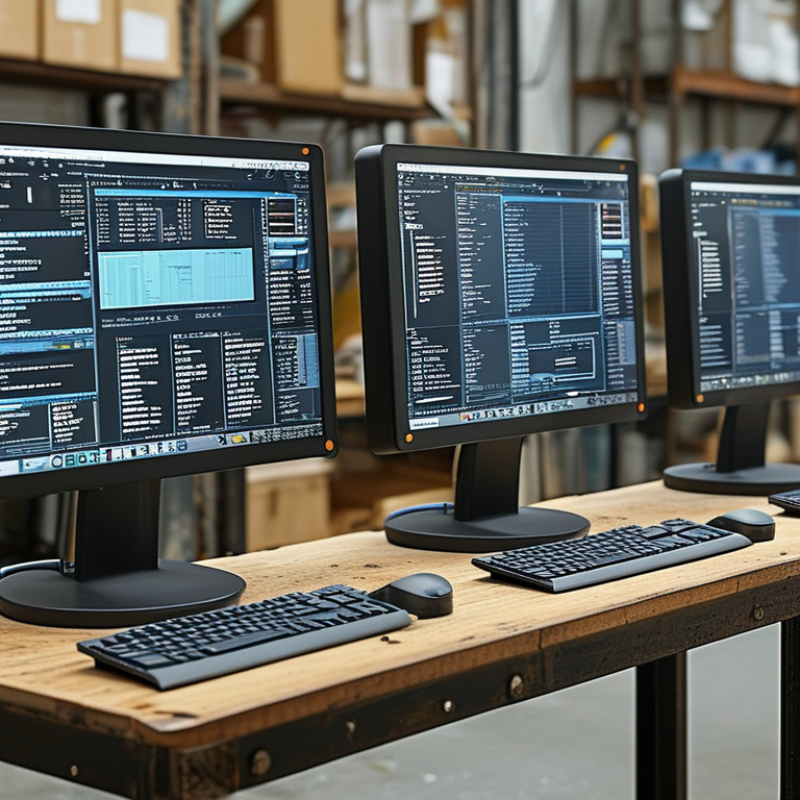
Essential Tips for Choosing the Right Industrial Touch Monitor?

Understanding the Types of Industrial Touch Monitors Available Today

When selecting an industrial touch monitor, understanding the various types available is crucial. These monitors can be categorized mainly into resistive and capacitive types. Resistive monitors are cost-effective and work well with gloves and styluses. They are suitable for harsh environments. Capacitive monitors, on the other hand, offer better clarity and multi-touch support. This makes them ideal for applications requiring precise inputs.

Recent industry reports indicate that the global industrial touch monitor market is expected to grow at a CAGR of 6.5% from 2020 to 2026. This growth highlights the increasing reliance on touch technology in manufacturing and warehouse environments. Yet, choosing the right type involves considering the specific application, environment, and user interaction levels.

Tip: Always evaluate the environment. Dusty, wet, or extreme temperature settings may necessitate a rugged touch monitor. Additionally, requiring high precision? Consider a capacitive touch monitor. Remember, cost should not outweigh the functionality. A lower price often means compromises in durability or performance. When selecting, balance the initial investment against long-term savings and efficiency improvements.

Comparison of Different Types of Industrial Touch Monitors

This chart compares the different types of industrial touch monitors based on screen size and resolution. The data presented can aid in understanding the various options available to end-users in an industrial setting.

Key Specifications to Consider When Selecting an Industrial Touch Monitor

When selecting an industrial touch monitor, certain specifications significantly impact performance and usability. Resolution is crucial; higher resolution means sharper images, making it easier for operators to interact with the interface. A report by MarketsandMarkets highlights that touch monitors with at least 1920 x 1080 pixels enhance productivity by delivering clarity in visual data.

Durability is another essential factor. Industrial environments often expose equipment to harsh conditions. Monitors featuring IP ratings of 65 or higher resist dust and water, thereby increasing their lifespan. Studies show that monitors built to withstand drops and extreme temperatures can reduce replacement costs by 30%. Additionally, the response time of the touch screen should be minimized. Ideally, a response time of under 20 milliseconds ensures a swift reaction to user inputs.

User interface flexibility also deserves attention. Monitors that support multi-touch functionality improve operational efficiency. According to a recent study, systems utilizing advanced multi-touch screens increased user engagement by over 40%. Consider the installation options available too, as the ability to mount or configure displays differently is valuable in various industrial settings. Balancing these specifications will determine the suitability of a touch monitor for specific applications.

Essential Tips for Choosing the Right Industrial Touch Monitor

Specification Description Considerations
Screen Size Measured diagonally in inches, affects visibility and interface design. Choose size based on available space and user interaction distance.
Resolution Pixels per inch (PPI), determines the clarity of the display. Higher resolution for detailed visuals, but requires more processing power.
Touch Technology Types include resistive and capacitive, each with different sensitivity and durability. Consider environment, glove usage, and required touch feedback.
Brightness Measured in nits, relates to visibility under various lighting conditions. Higher brightness for outdoor or well-lit areas.
Durability Resistance to dust, water, and shocks defined by IP ratings. Select based on the operating environment's harshness.
Interface Options Includes USB, HDMI, VGA, etc., for connectivity to different devices. Ensure compatibility with existing systems and peripherals.
Cost Overall price covering all features and specifications. Balance budget with the required features and long-term value.

Evaluating Durability and Environmental Resistance for Touch Monitors

When choosing an industrial touch monitor, evaluating its durability and environmental resistance is crucial. These monitors often operate in challenging environments. They face exposure to moisture, dust, and extreme temperatures. A touch monitor with IP ratings can help indicate its resistance to dust and water. For example, an IP65 rating suggests strong protection against dust and water jets. This feature is essential for ensuring longevity.

The choice of touchscreen technology also impacts durability. Resistive touchscreens are less sensitive to harsh conditions compared to capacitive types. They perform better in high-dust or wet environments. Moreover, tempered glass screens can offer added protection against impacts and scratches. The hardness rating can provide insight into this feature.

Users should also consider the monitor’s operational lifespan. Industrial monitors might have different life cycles that vary based on usage. A solid warranty can indicate confidence in the product’s durability. However, be aware that not all warranties cover environmental damage. Performing regular assessments can help ensure ongoing functionality. Think critically about these factors to make an informed decision.

The Role of Screen Resolution and Size in Industrial Applications

When selecting an industrial touch monitor, screen resolution and size are pivotal. Resolution directly impacts clarity and user experience. A higher resolution means sharper and more detailed images. According to industry reports, monitors with at least 1920x1080 resolution are preferred in many industrial settings. This ensures that operators can view complex data and fine details efficiently.

Screen size also plays a crucial role. A larger screen can display more information, reducing the need for scrolling. However, the size must fit the workspace. Data shows that monitors ranging from 15 to 22 inches are commonly used in manufacturing settings. Yet, many operators find themselves squinting at smaller screens, questioning if they need more space.

These decisions often require careful consideration. A screen that is too large may obstruct other vital equipment. Conversely, a small screen might hinder productivity. Manufacturers should evaluate their workspace and operational needs. Gathering feedback from users can provide valuable insights. Ultimately, balancing screen size and resolution is key to enhancing operational efficiency and user satisfaction.

Comparing Touch Technologies: Resistive vs. Capacitive Touchscreens

When selecting an industrial touch monitor, understanding touch technologies is crucial. Two primary options are resistive and capacitive touchscreens. Resistive touchscreens are pressure-sensitive. They detect touch when pressure is applied, making them reliable in various conditions. They work well with gloves and in wet environments, which makes them suitable for outdoor applications. According to a recent industry report, resistive touchscreens account for approximately 30% of the market share due to their durability.

On the other hand, capacitive touchscreens utilize the electrical properties of the human body. This technology offers improved clarity and responsiveness. Users often prefer capacitive screens for their seamless interaction. Research shows that these displays hold around 70% of the market share, especially in sectors like consumer electronics. However, capacitive screens may struggle in extreme temperatures or with certain gloves.

Deciding between these technologies involves balancing user needs and environmental conditions. Each type has its pros and cons. Consider factors like durability, user interaction, and conditions. Assessing these features can help ensure optimal performance in your industrial application.